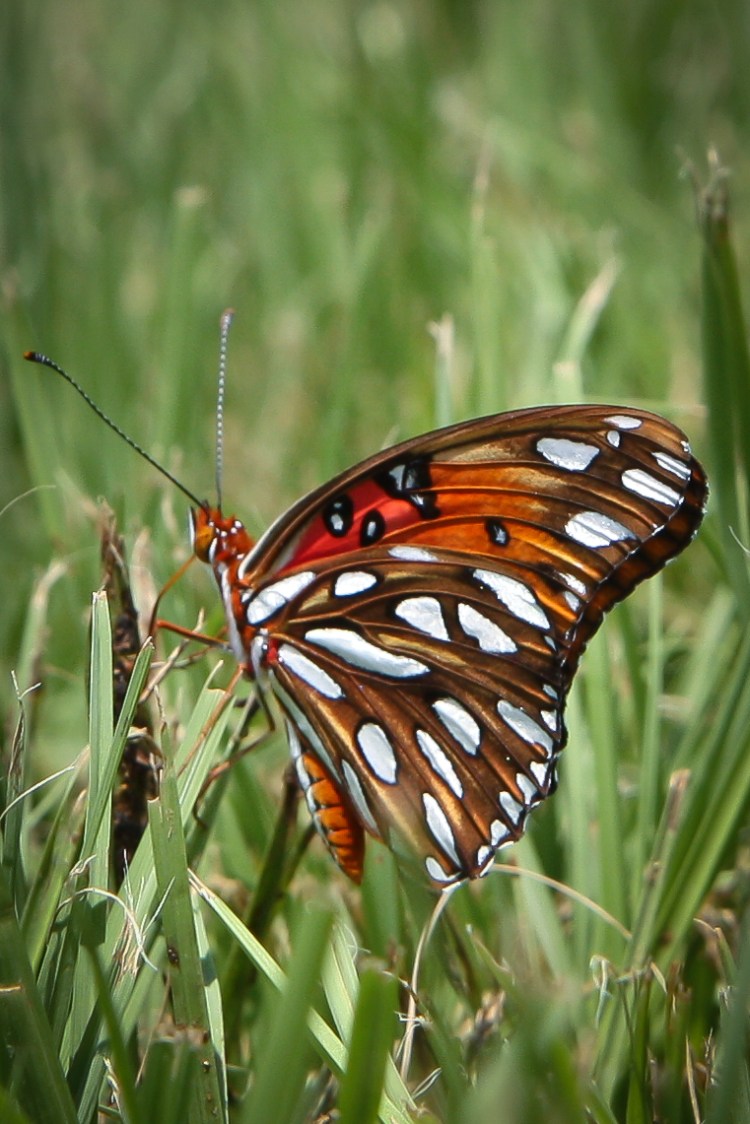
This has nothing to do with the last two edits, I just happened across this picture in the timeline on my hard drive. I love this guy’s wings!
Nourishment – ProjectEdit365 – 08 July
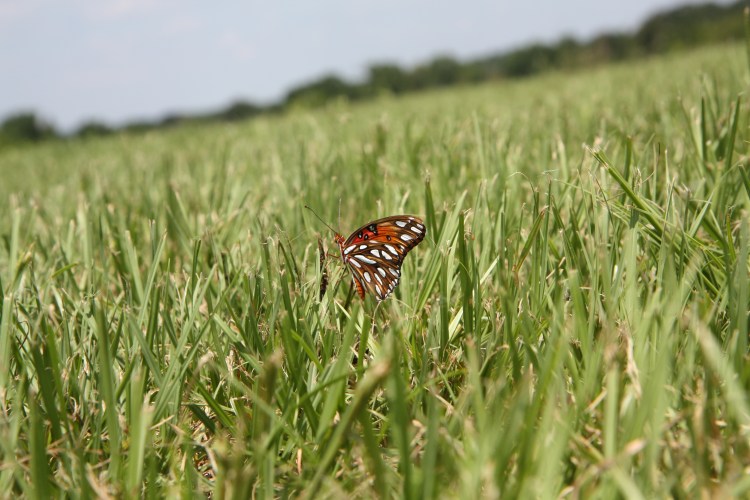
The original was taken at a distance (with a crooked horizon) so I cropped in to see the wings in good detail (I love the scalloped edging!). I upped the saturation by +10, sharpened the picture and then did a slight noise reduction. I finished with a little vignetting. Here’s the original:
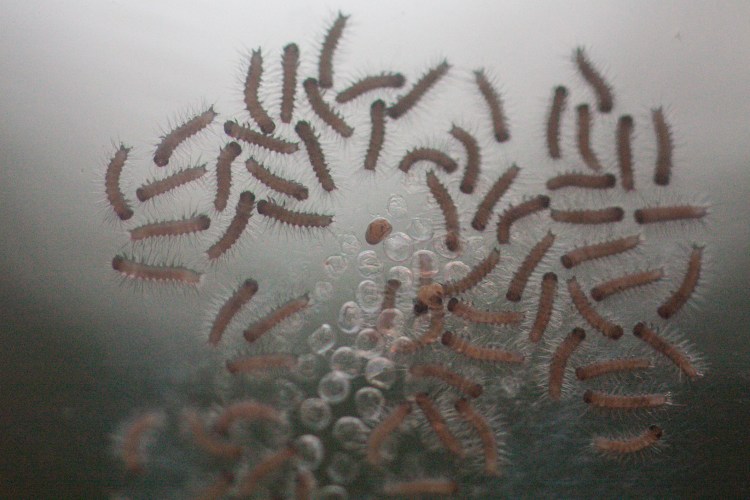
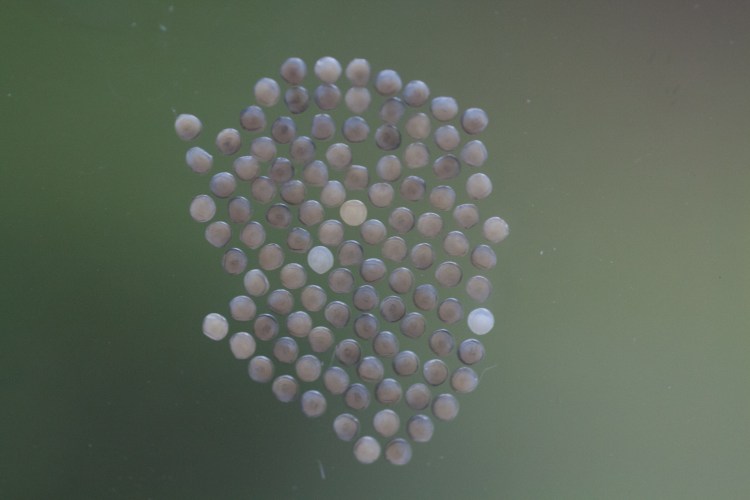
Caterpillars! They were moth eggs. Kinda gross, but kinda cool at the same time. I was thankful that a moth decided our window was the perfect place to lay her eggs.
After – ProjectEdit365 – 07 July
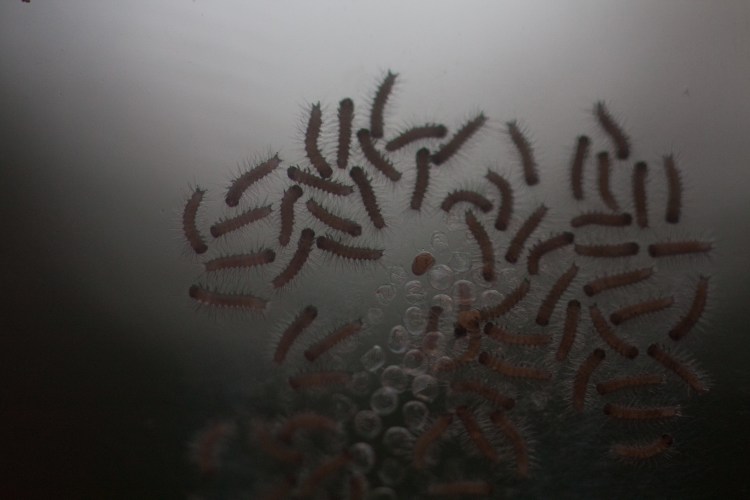
The original picture was dark so I increased the exposure. I also sharpened it, both of which brought out a lot of noise. I lowered the contrast to keep the detail of each caterpillar body, but increased the clarity. I hate the noise in the picture, but I think the detail is better. Here’s the original:
Can you guess what these are? The “after” will follow tomorrow. . .
Before – ProjectEdit365 – 06 July
The original picture was kind of flat. I increased the contrast and clarity and only slightly increased the exposure. I sharpened up the whole picture and then decreased the noise a little. I added a little vignetting. That’s it! Stay tuned to see the after pic! Here’s the original:
It’s been difficult posting each day without wifi at the house. I’ve been editing the pictures on the computer and airdropping them to my phone, where I then post onto the blog. The mobile WordPress site is great but lacks a couple of the features I normally use (or else I don’t know how to use it fully). Anyway, we’re back on track!
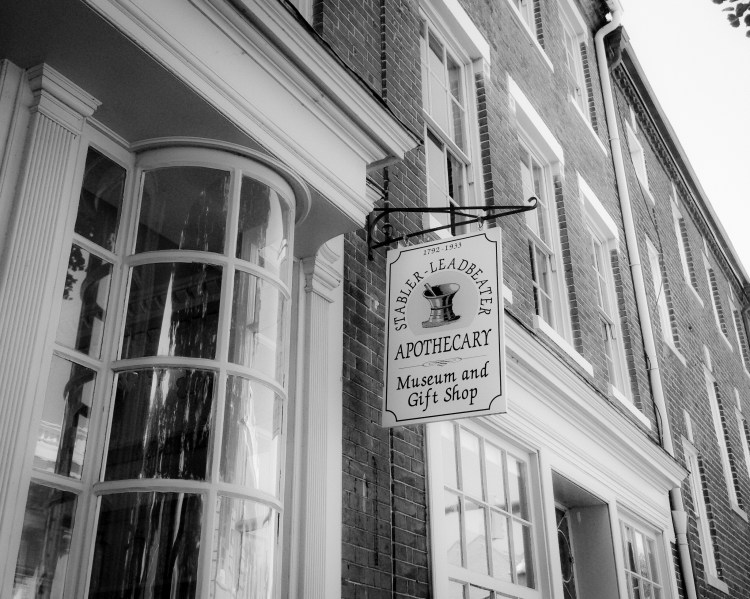
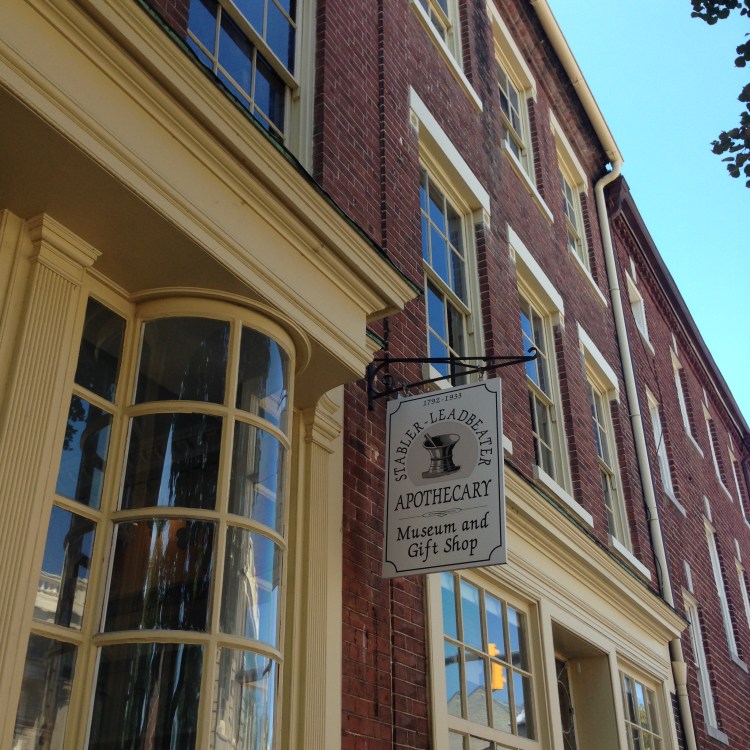
George Washington’s doctor visited here during Washington’s terminal illness. *We* visited on Harry Potter’s birthday and got a tour explaining medicinal properties of various plants, etc.
Alexandria Apothecary – ProjectEdit365 – 05 July
I wanted to edit the picture to look somewhat old. I cropped the original iPhone pic (which was square – meant for Instagram) and changed it to black and white. I decreased the clarity to soften it and increased the contrast to keep it from being too flat. I intensified the blacks just a little, gave it a small vignette and some grain. I increased the exposure just a little because it had gotten a bit too dark. Here’s the original:
The original wasn’t vibrant. I didn’t do much to this picture. I increased the contrast and actually decreased the clarity. I really wanted to increase the clarity, but I need to break out of that box, right?! I increased the shadows and the vibrance. I sharpened the picture and reduced the noise. Here is the original:
This barn is on the peach farm from the previous post. I love old structures.
I wanted to go for a slightly edgy or spooky look, but not halloweenish. I upped the contrast and clarity both to 100. I decreased the vibrance and saturation just a little. I also lowered the highlights and shadows. In the Tone Curve section of Lightroom, I decreased the highlights there and increased the lights. In the Color section I decreased the luminance and saturation of the blue color to keep the sky in the same mood as the building. The original:




 Not So SAHM