We Will Never Forget

“Love your enemies and pray for those who persecute you.”

There is an evil and a hatred out there that, as individuals, we can only conquer with love and prayer. Governments, however, are called to a different purpose, and their job is to protect and defend. So, while I personally will pray for those who persecute us, I’m hoping that our government will continue to rid the world of the evil that’s end goal is to vanquish us.

I will never forget.
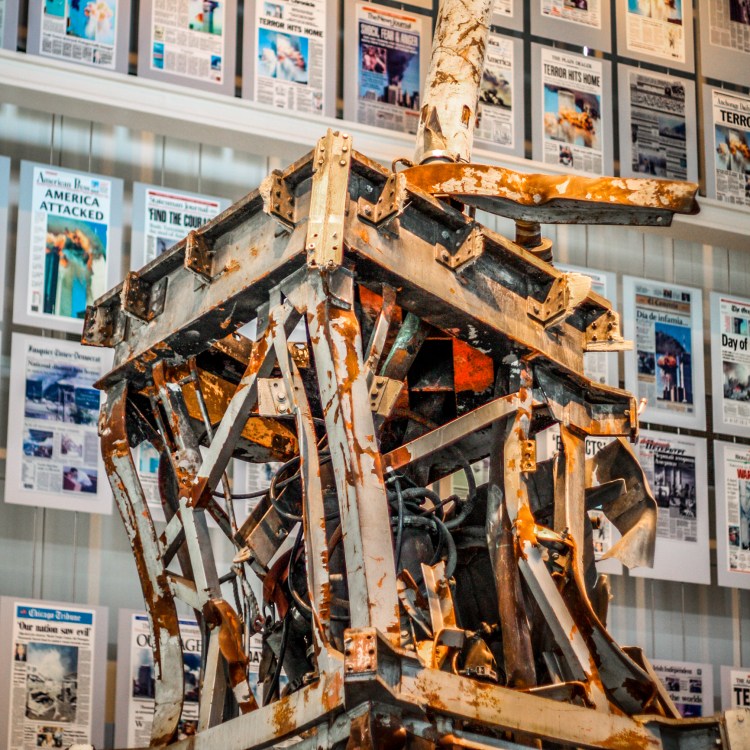
A piece of the steel structure of the World Trade Center is on display at the Newseum in front of various front pages of papers that detail the terrorism of 11 September 2001. Not So SAHM
We Will Never Forget – ProjectEdit365 – 11 Sep

The original lacked contrast. I increased the contrast, clarity, and whites. I slightly increased the saturation. I decreased the highlights to make the newspapers more visible. I then ran an HDR preset. My heart hurts whenever I think about 9/11 and working on this picture brought many tears. The original:

11september

~~~   ~~~   ~~~   ~~~   ~~~   ~~~   ~~~   ~~~   ~~~   ~~~   ~~~   ~~~   ~~~   ~~~   ~~~
Beach Squirrel?

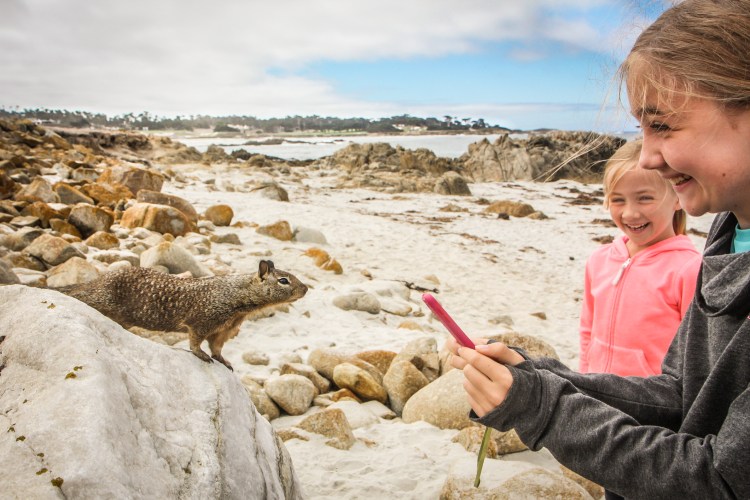
Along 17 Mile Drive in Pebble Beach there are these cute little squirrel type animals that are so curious. I have a feeling they’re not afraid of humans due to all the tourists who feed them. We neither fed them nor pet them, but we did get very close!

A squirrel type animal gets close enough to sniff a girl's cell phone at a beach along 17 Mile Drive in Pebble Beach. Not So SAHM
Beach Squirrel? – ProjectEdit365 – 10 Sep

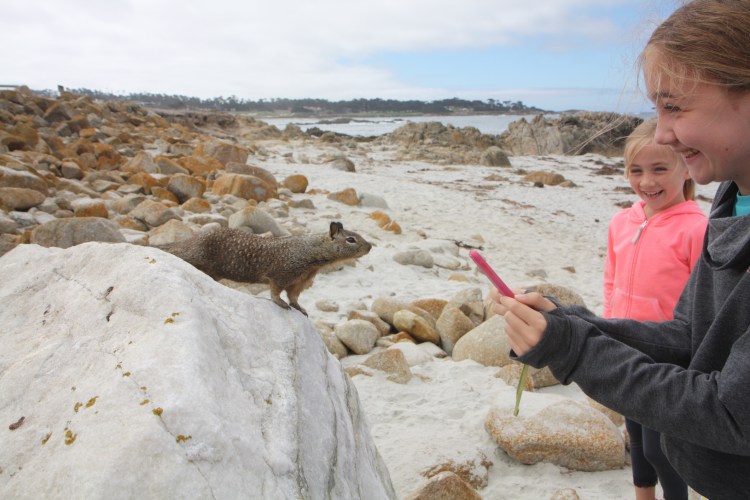
The original was a little flat. I increased the contrast and clarity, and lightened the shadows and blacks. I warmed the temp just a little and lowered the highlights to give more detail to the clouds. I used some adjustment brushes to lighten the girls’ faces (the increase in contrast and clarity darkened the features too much), to sharpen some of the rocks, and to make the trees in the background stand out a little more. Here’s the original:

10september

~~~   ~~~   ~~~   ~~~   ~~~   ~~~   ~~~   ~~~   ~~~   ~~~   ~~~   ~~~   ~~~   ~~~   ~~~
Whale Breach

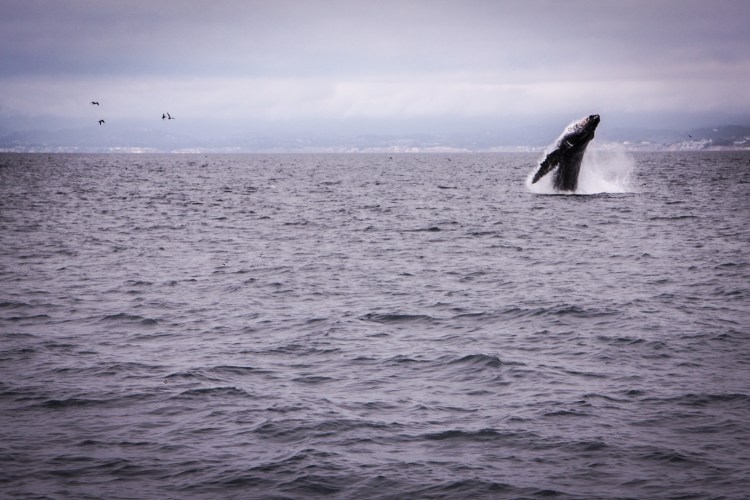
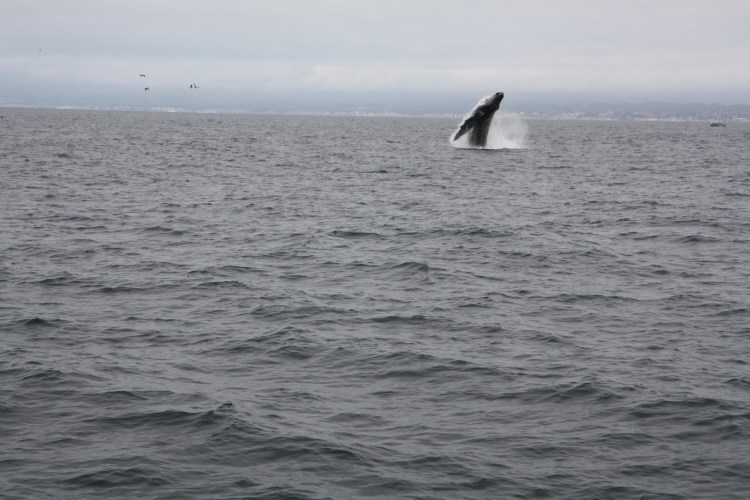
Y’all. There’s nothing like seeing a whale breach. There are much better pictures out there of breaches, but this editing challenge is about taking what you’ve got and making it usable. Using Lightroom I made my picture a little more dramatic.

A whale breaches in Monterey Bay California. Not So SAHM
Whale Breach – ProjectEdit365 – 09 Sep

I cropped the original for better composition and to straighten the horizon. I decreased the contrast and increased the highlights, whites, and clarity. I moved the tint slider more towards the magenta. I used two graduated filters, one for the water and one for the sky to make them more dramatic. I ended with a small vignette. The original:

09september


~~~   ~~~   ~~~   ~~~   ~~~   ~~~   ~~~   ~~~   ~~~   ~~~   ~~~   ~~~   ~~~   ~~~   ~~~

Seal or Sea Lion?

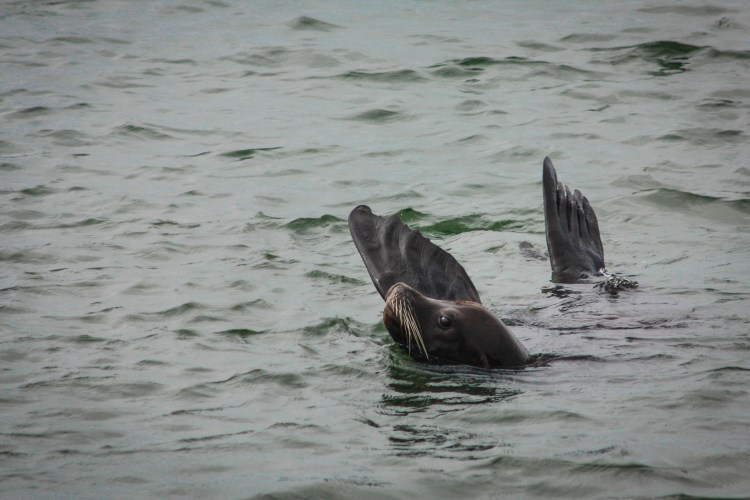
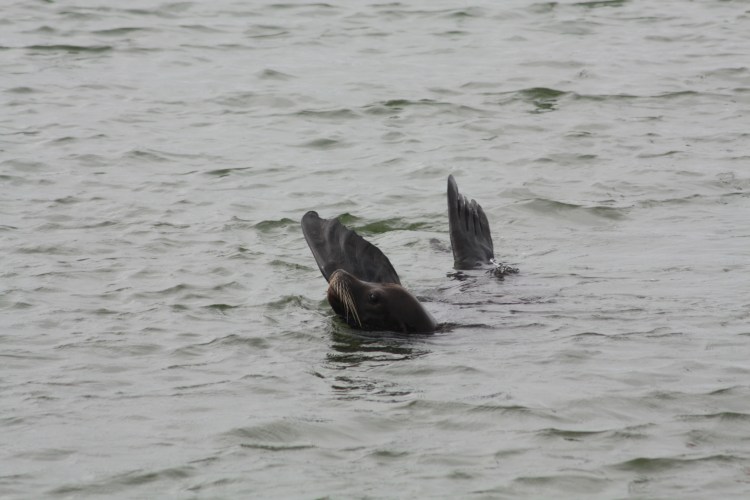
Haaaayyy! While living in Monterey, we learned an easy way to tell the difference between seals and sea lions. Seals are grey-er, have no visible ear flaps, and slide more on their bellies on land. Sea lions have visible ear flaps and longer flippers (both front and back), and they tend to be browner. So, what is my happy little friend below?

A swimming sea lion lifts his flippers above the water in order to regulate his body temperature. Not So SAHM
Seal or Sea Lion? – ProjectEdit365 – 08 Sep

He’s lifting his flippers out of the water to regulate his body temperature. These guys were everywhere in Monterey Bay. They were curious, loud, and their roosts were *stinky*! The original photo was dark and dull. I cropped in to compose the picture better. I increased the clarity, vibrance, and saturation. I decreased the shadows and contrast. I adjusted individual color sliders to make the color of the water stand out a little better. I used an adjustment brush on his eye to sharpen it a bit. I ended with a small vignette. Here’s the original:

08september

~~~   ~~~   ~~~   ~~~   ~~~   ~~~   ~~~   ~~~   ~~~   ~~~   ~~~   ~~~   ~~~   ~~~   ~~~

Golden Gate Haze

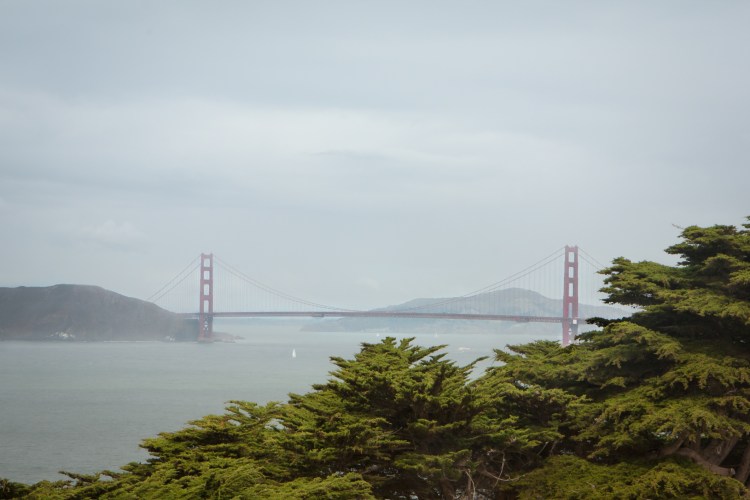
There’s almost always haze lazing over San Francisco. This isn’t a great photo, *but* it’s much better than the original. And, as it turns out, it’s one of the only photos I have left of our trip to San Francisco. I did the UNSPEAKABLE as a photographer. When we got home, I did not back up my files. And several months down the road, as we were preparing for another trip, I just assumed that I *had* backed up all the files. Format. Realize error. Cry. Kick myself every time I think about it. Sigh.

The Golden Gate Bridge sits in haze behind some trees in the foreground. NotSoSAHM
Golden Gate Haze – ProjectEdit365 – 07 Sep

The original was very hazy and dull. I increased the exposure, highlights, and vibrancy. I then used an adjustment brush to increase the clarity, contrast, and saturation of the bridge. I also used the individual red color slider to increase the saturation. I adjusted the hue and luminance to make it look the way I wanted. I used a different adjustment brush on the trees to decrease the shadows on them. I used a small vignette to finish it. So instead of a pretty unusable photo, I at least got something out of it! Here’s the original:

07september


~~~   ~~~   ~~~   ~~~   ~~~   ~~~   ~~~   ~~~   ~~~   ~~~   ~~~   ~~~   ~~~   ~~~   ~~~

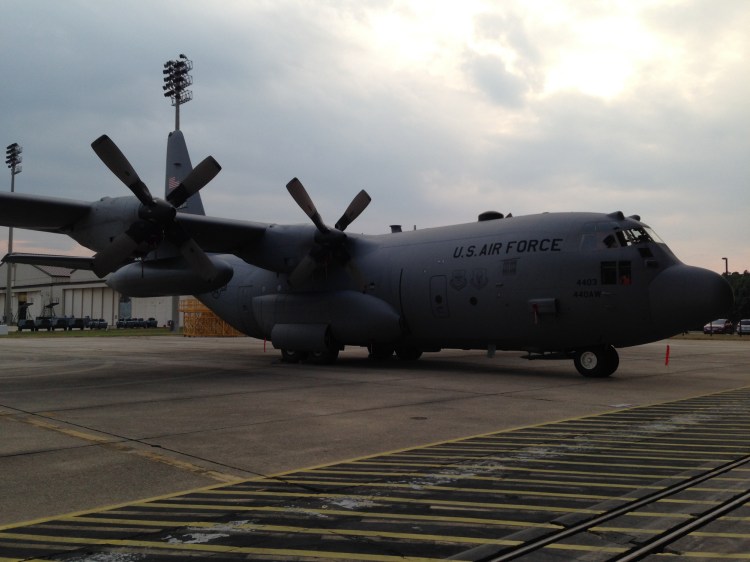
C-130 Hercules

There was also that one time when we lived in North Carolina where we got to see a C-130 Hercules. According to Wikipedia, “the C-130 Hercules is the longest continuously produced military aircraft at over 60 years.”

A C-130 Hercules sits near a runway. Not So SAHM
C-130 Hercules – ProjectEdit365 – 06 Sep

I took this with an iPhone and the original was very dark. I increased the exposure, “fill light”, and clarity and then ran a preset to give it a vintage look. Oh, I also cropped out a stand of lights that looked like it was coming out of the plane’s tail. Fill Light is a slider that older versions of Lightroom used. Sometimes my older pictures still end up with those sliders. Here’s the original:

06September

~~~   ~~~   ~~~   ~~~   ~~~   ~~~   ~~~   ~~~   ~~~   ~~~   ~~~   ~~~   ~~~   ~~~   ~~~