Strangled Palm

I took this picture because I was fascinated by the vines twisting and climbing their way up the palm tree. I knew it would look good in black and white. The lines are awesome, too. Twisty and curvy up the trunk and linear on the branches.

A palm tree on Maui has vines creeping up its trunk Not So SAHM
Strangled Palm – ProjectEdit365 – 20 July

The original wasn’t very impressive (other than the light, which I like). I decided to crop in to a small part to show detail, texture, and lines. I took the saturation to zero and then played around the with clarity, contrast, highlights, shadows, whites, and darks to get the look I was going for. Here is the original:

20July

~~~   ~~~   ~~~   ~~~   ~~~   ~~~   ~~~   ~~~   ~~~   ~~~   ~~~   ~~~   ~~~   ~~~   ~~~
KC Suspension Bridge

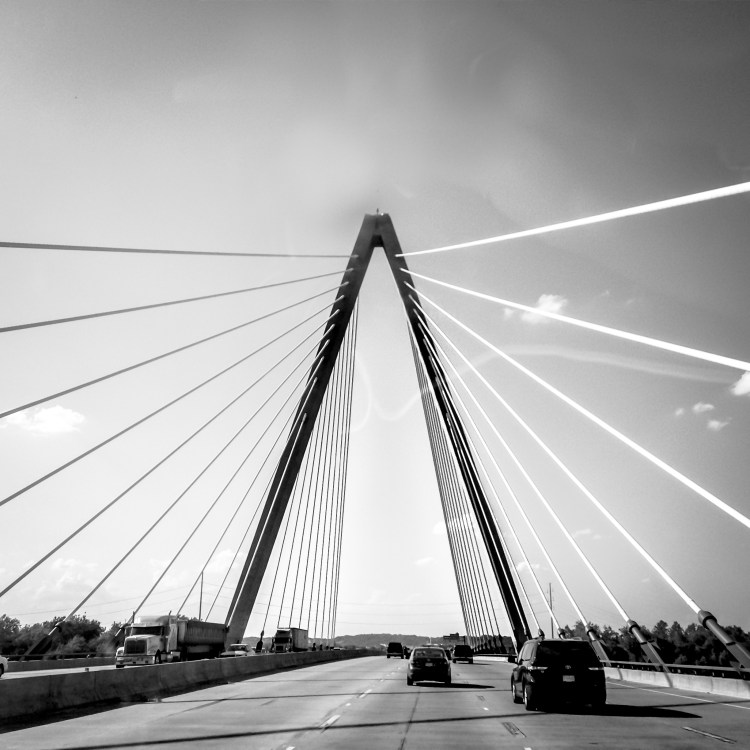
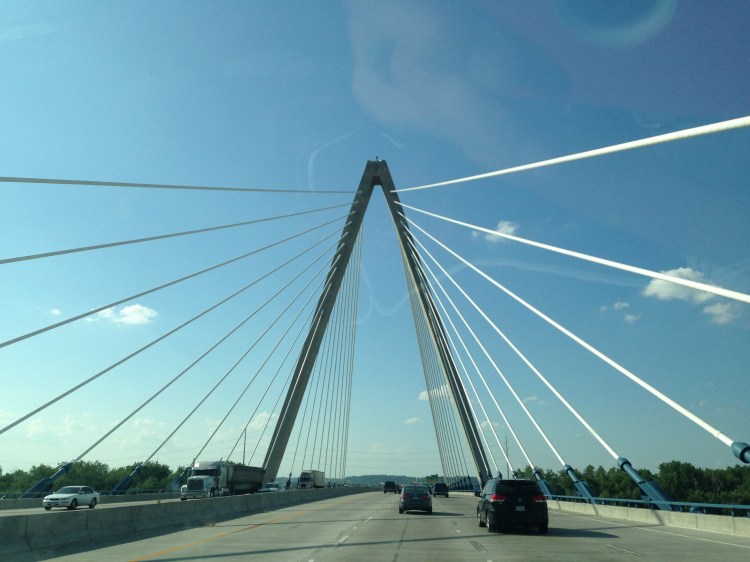
I love bridges. Suspension bridges, especially. This one is in the Kansas City area.

The cables surround you, driving over a suspension bridge in Kansas City Not So SAHM
KC Suspension Bridge – ProjectEdit365 – 19 July

I took this through the windshield with my iPhone and there was terrible glare. I tried to eliminate some of that with the clone/heal tool, but I definitely need some work on that. I cropped to square and changed the picture to black and white and worked on the individual color sliders to get the look I liked. I used an adjustment brush to increase the contrast and clarity of the cables. Here’s the original:

19July

~~~   ~~~   ~~~   ~~~   ~~~   ~~~   ~~~   ~~~   ~~~   ~~~   ~~~   ~~~   ~~~   ~~~   ~~~
Pearl Harbor

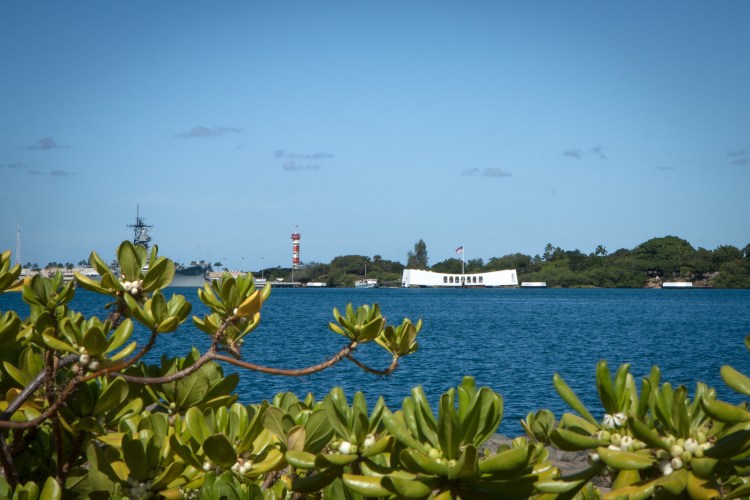
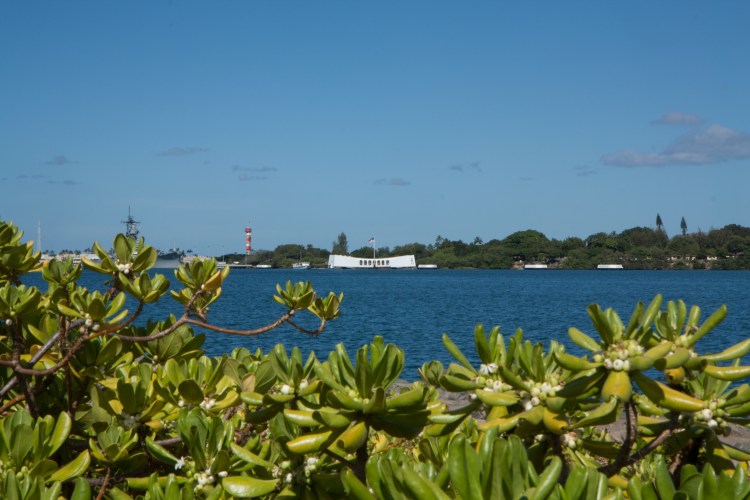
When you’re at the memorial and look down in the water, you can still see oil seeping up from the USS Arizona.

A memorial floats over the USS Arizona in Pearl Harbor Not So SAHM
Pearl Harbor – ProjectEdit365 – 18 July

The edit for this picture was mostly stylistic. I cropped to remove some of the foreground plants and to use the rule of thirds to place the memorial in the picture. I sharpened and reduced the noise. I lowered the contrast and increased the clarity, increased the highlights and whites, and decreased the shadows. I also increased the vibrancy. I increased the saturation and luminance of the blue color to brighten the photo without increasing the exposure of the whole thing. In the end I added a small vignette. The original:

18July

~~~   ~~~   ~~~   ~~~   ~~~   ~~~   ~~~   ~~~   ~~~   ~~~   ~~~   ~~~   ~~~   ~~~   ~~~

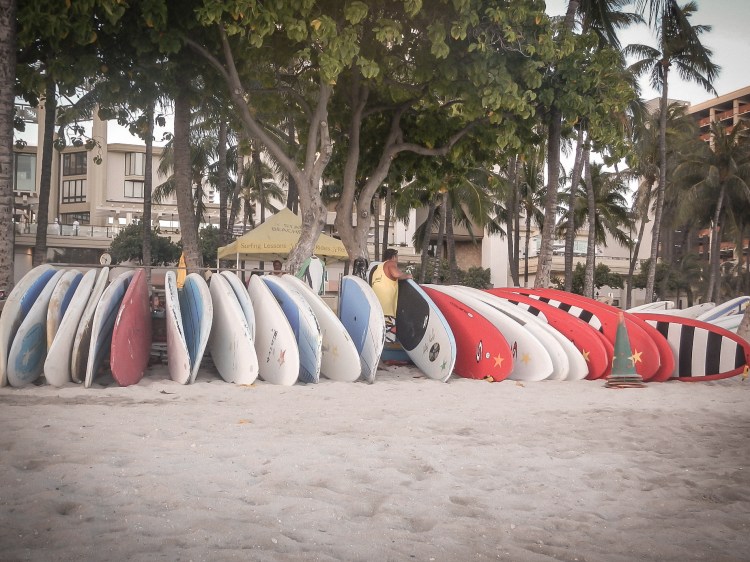
Let’s go surfin’ now. . .

Everybody’s learning how. . .

in Waikiki

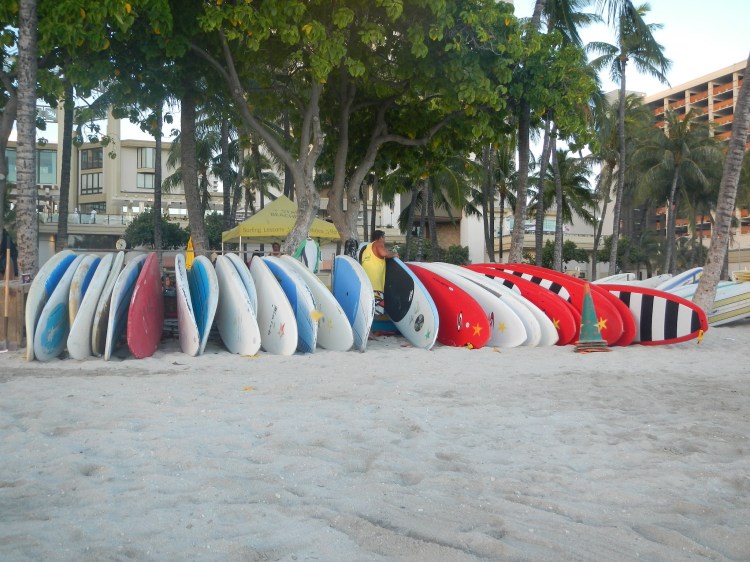
A man sets up surf boards for rent on Waikiki Beach on Oahu, Hawaii Not So SAHM
Let’s go surfin’ now – ProjectEdit365 – 17 July

I wanted a touch of a vintage look. I picked a preset that I liked and tried to mimic it, instead of using it. I cropped in a little and healed out the falling, yellow leaf in front of one of the boards. I warmed the temp and slid the tint slider towards magenta. I decreased the contrast and increased the clarity. Lowered the highlights and brightened the shadows. I decreased the vibrancy and saturation. I sharpened the picture and reduced the noise by a touch, BUT then I added some grain. . . not a pro, here. I also added some vignetting. Here’s the original:

17July

~~~   ~~~   ~~~   ~~~   ~~~   ~~~   ~~~   ~~~   ~~~   ~~~   ~~~   ~~~   ~~~   ~~~   ~~~

Volcano!

A helicopter tour is a great way to see the active volcanoes on the Big Island. I believe this is part of Pu’U ‘O’O, but it could be part of Kilauea. You can see if you look closely, just under the black surface is the red lava. It flows in underground tubes into the ocean where it produces steam when the lava hits the water.

Lava flows into the ocean from the volcano Pu'U 'O'O on Hawaii's Big Island Not So SAHM
Volcano! – ProjectEdit365 – 16 July

I took this in the helicopter, so through a window. I had to crop it to straighten it. I was able to heal my reflection out. I used an HDR preset and then modified the red color using the color sliders. I decreased the vignetting that the preset added so you could see the lava at the corner of the photo. Here’s the original.

16July

~~~   ~~~   ~~~   ~~~   ~~~   ~~~   ~~~   ~~~   ~~~   ~~~   ~~~   ~~~   ~~~   ~~~   ~~~

Aqua Greetings

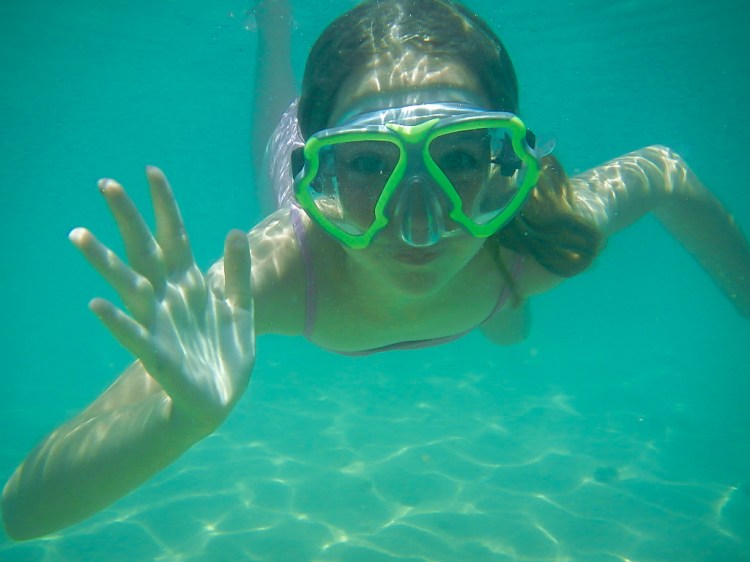
I got a Nikon CoolPix waterproof camera for our trip to Hawaii because I knew there would be quite a bit of time spent doing this:

A girl waves to the camera underwater in Hawaii Not So SAHM
Aqua greetings – ProjectEdit365 – 15 July

For some reason the file is very small, but I wanted to edit it anyway. The original photo was pretty green. I lowered the contrast and increased the clarity and vibrancy. I sharpened the photo and took out enough noise to reduce a lot of the graininess. If you go too high with the noise reduction though you lose clarity.  I used an adjustment brush around her eyes to sharpen those. The rest of the edit was working with the temperature and the individual color sliders (aqua and green, mostly) to get the color of the water where I wanted it (and to make her skin still look natural). The original:

15July

You can still take a low res photo and make it look better!

~~~   ~~~   ~~~   ~~~   ~~~   ~~~   ~~~   ~~~   ~~~   ~~~   ~~~   ~~~   ~~~   ~~~   ~~~